 RightAI
Image to Image AI
Transform any image into new looks and moods.
Drag & drop or click to upload. Max 10 images, 10MB each. JPG, PNG, WebP.
Aspect ratio
Choose aspect ratio for your AI image
Resolution
Estimated Generation Time: 10-20 seconds
Image to Image AI
Learn More
Explore features, guides, and FAQs
Why Use Image to Image?
Upload an image, set mode, and restyle without leaving the page.
Style Transfer
Apply any artistic style to your images
Detail Preservation
Maintain original composition while changing style
Batch Processing
Transform multiple images at once
Preview & Adjust
Real-time preview before downloading
Transform Images with AI
Apply new styles and effects to your existing images
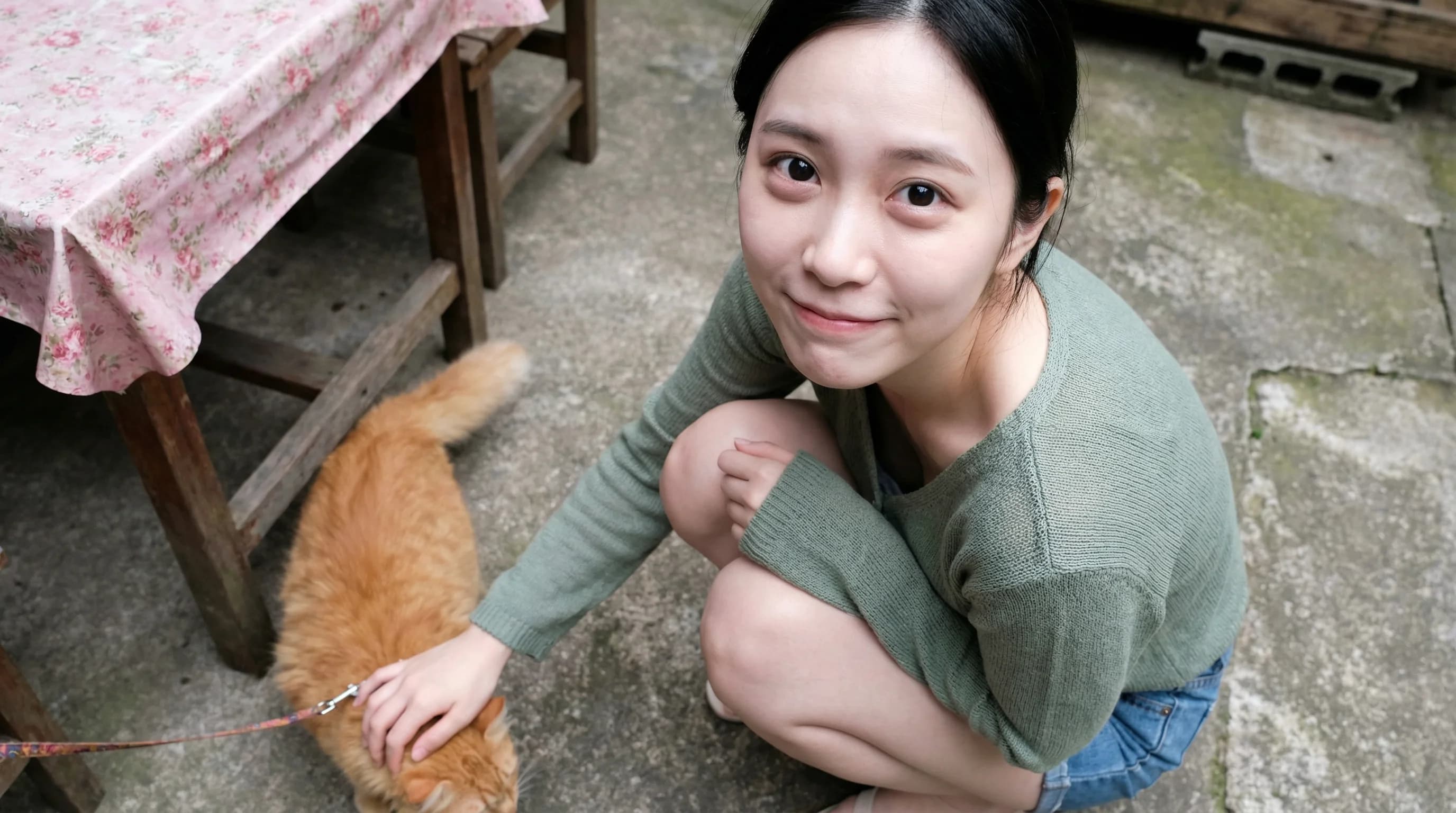
Transform photo into artistic painting style
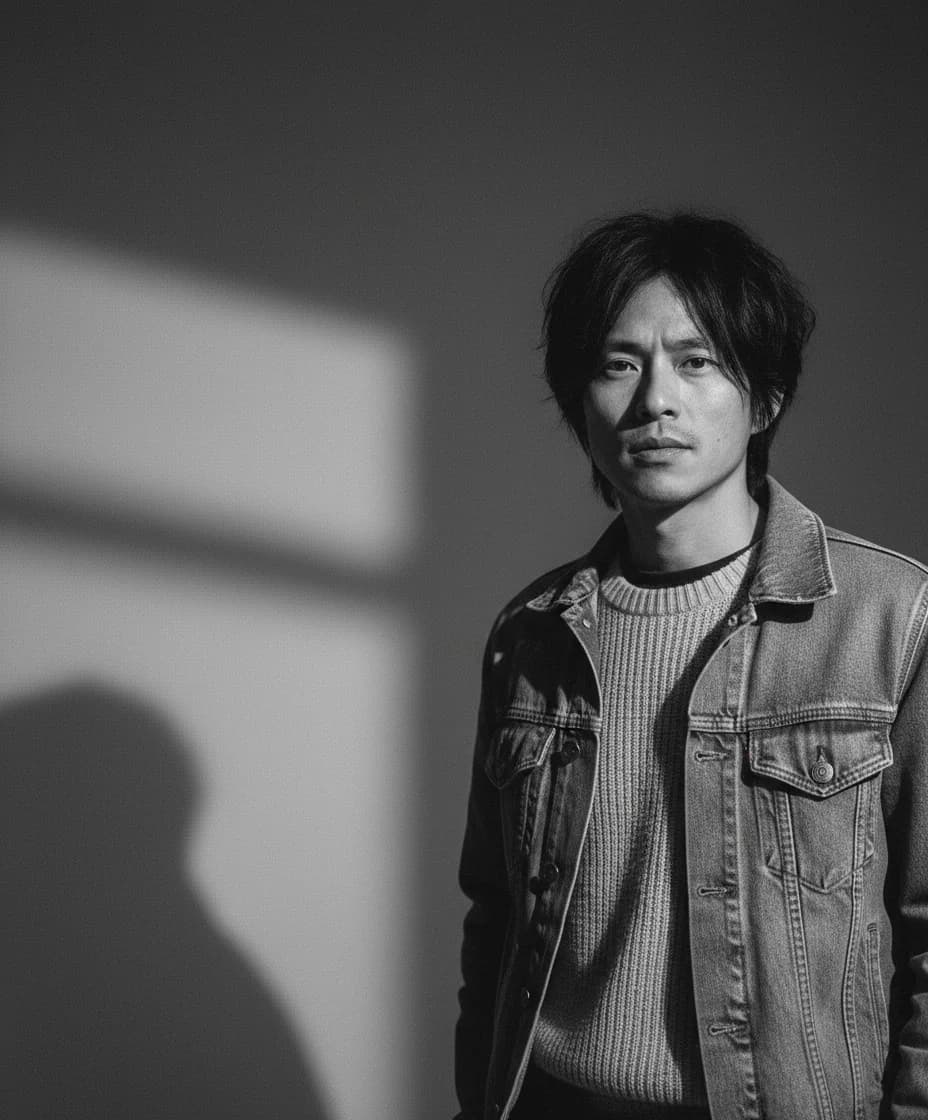
Apply cinematic color grading to portrait
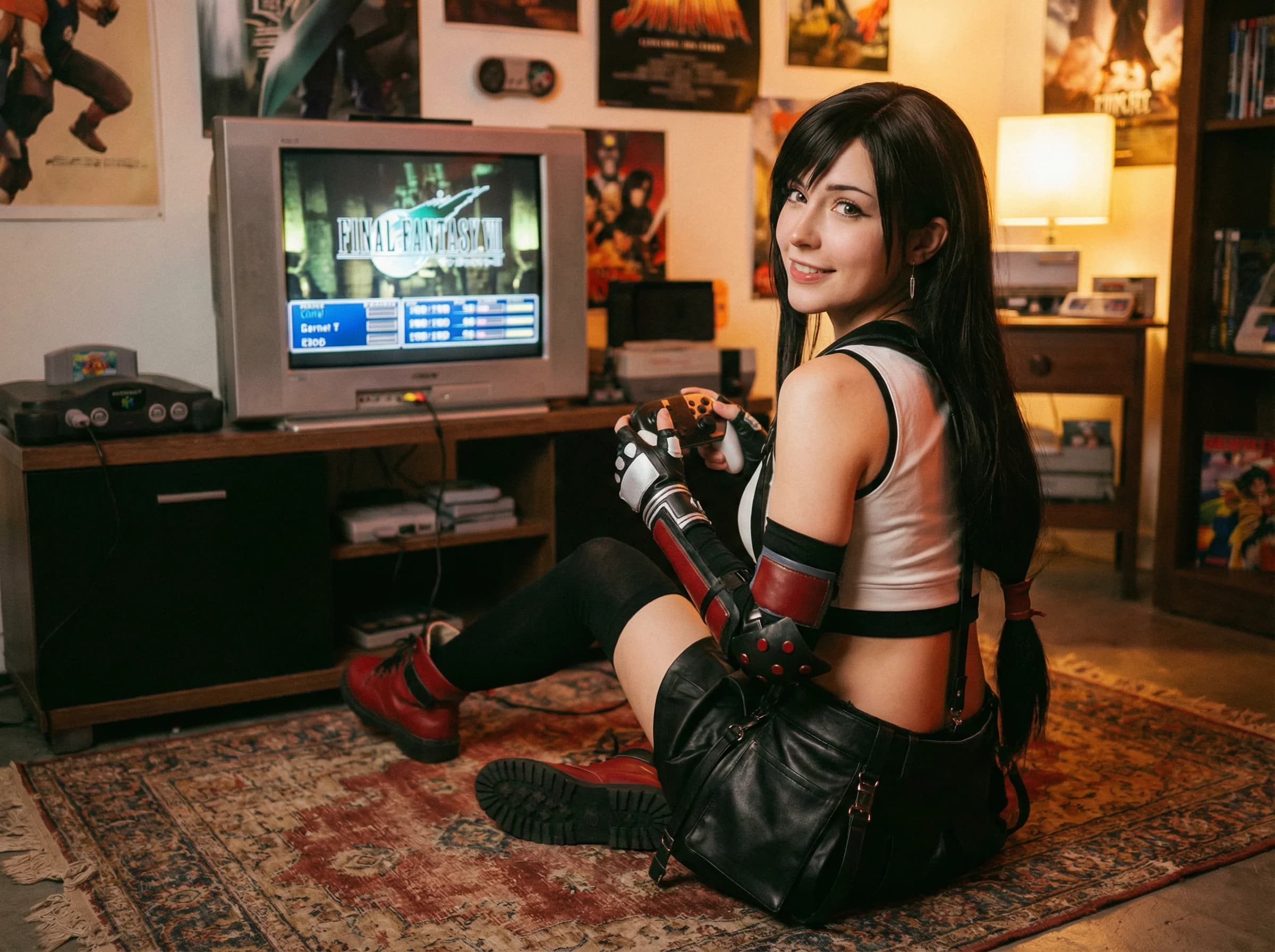
Convert image to digital illustration style
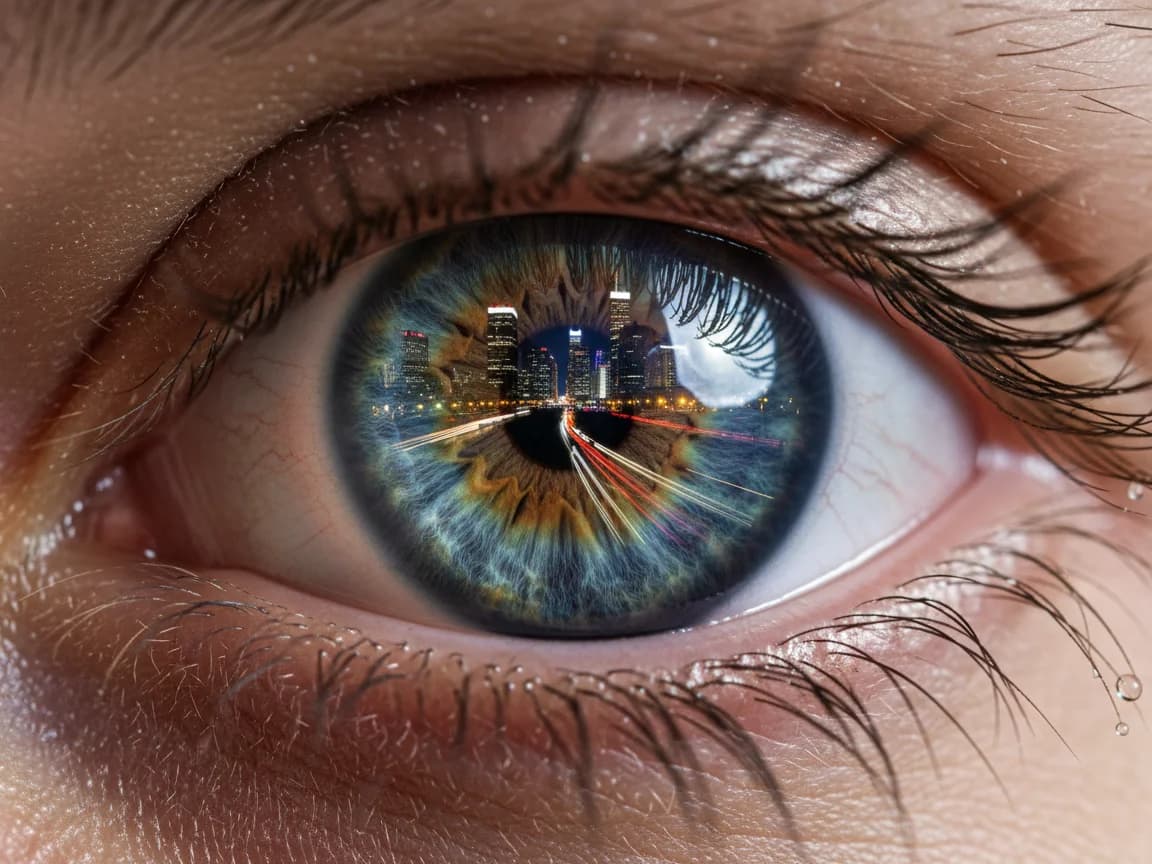
Apply professional retouching and enhancement
Modes and protections
Switch between Basic/Pro modes, set visibility, and copy protection toggles.
How to use image to image
Upload, add a prompt, pick outputs, and generate new variants quickly.
Explore more generators
If you need motion, jump to text-to-video or image-to-video in one click.
FAQs
Why use image to image
Restyle or transform any upload while keeping the workflow lightweight.
Smart style transfer
Apply new looks and moods while preserving subject structure and clarity.
Mode and privacy controls
Switch modes, set visibility, and enable copy protection before you generate.
Best uses
Product recolors and variants
Character or portrait restyles
Scene mood and lighting changes
How to restyle quickly
Upload a clear image under 10MB.
Add a concise prompt describing the change.
Choose outputs, ratio, and visibility as needed.
Generate and compare variants in the preview grid.

RIGHTAI