Flux 2 AI Image Generator
Black Forest Labs' Flux 2 delivers next-generation AI image generation with Pro and Flex versions. Choose precision quality or creative flexibility — both support 1K/2K resolution and image-to-image mode with up to 8 reference images.
Drag & drop or click to upload. Max 8 images, 10MB each. JPG, PNG, WebP.
Upload images for image-to-image mode
AI Image Examples
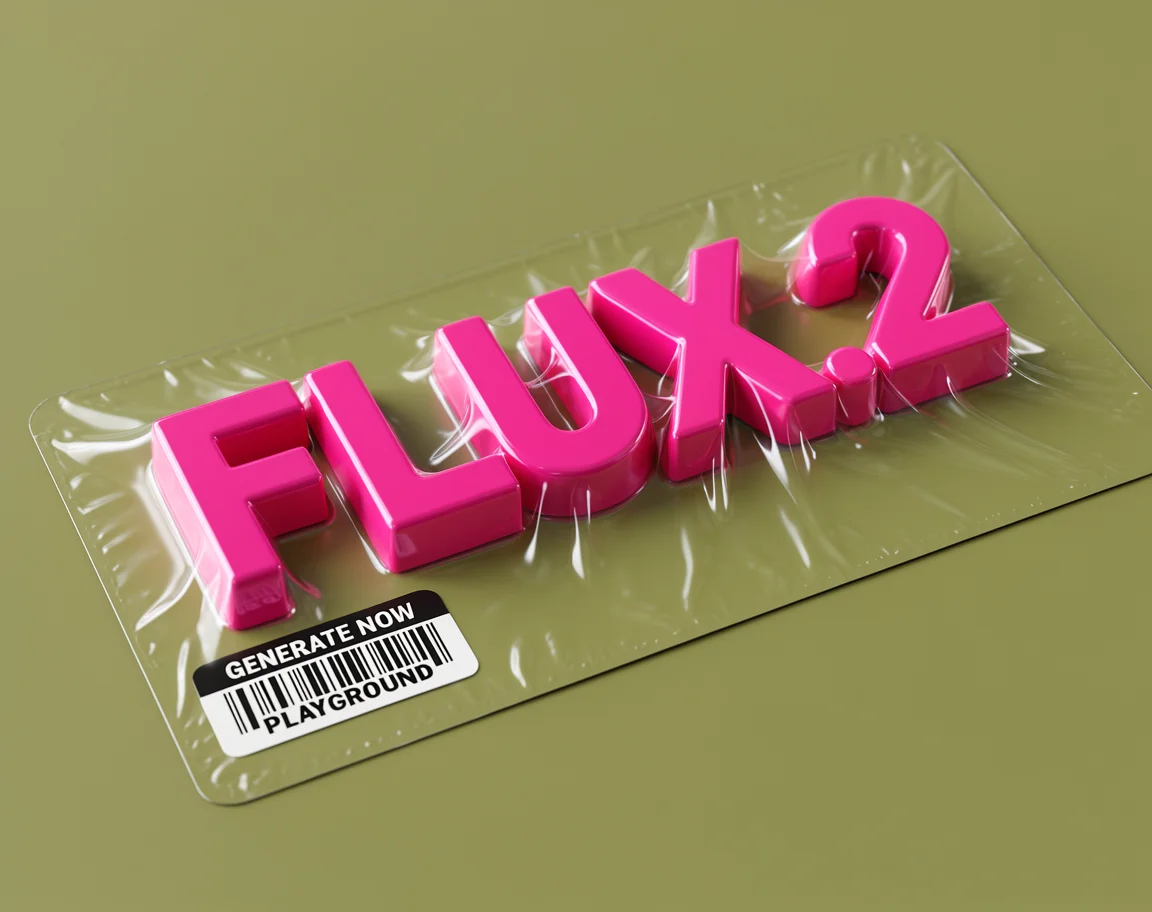
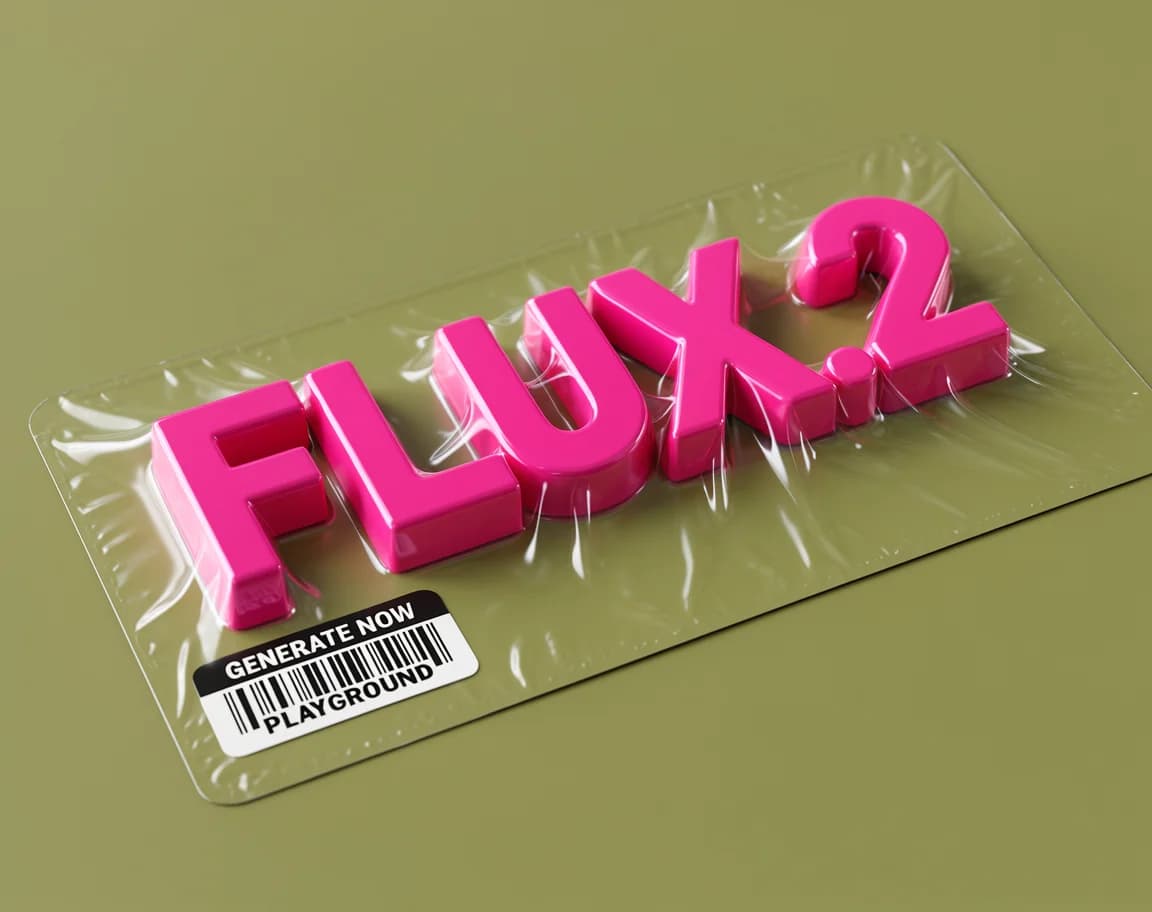
Hyperrealistic supermarket blister pack with detailed product packaging and professional lighting
Why Choose Flux 2 AI?
Two powerful versions, one unified experience. Flux 2 Pro delivers precision. Flux 2 Flex delivers creative freedom.
Pro & Flex Dual Versions
Choose Flux 2 Pro for precise, photorealistic outputs with superior prompt adherence. Choose Flux 2 Flex for creative freedom, stylistic experimentation, and broader artistic range — both are state-of-the-art.
1K & 2K Resolution Output
Generate sharp, detailed images at 1K for everyday use or upgrade to 2K for professional-grade output. Both resolutions deliver exceptional clarity with Flux 2's advanced diffusion architecture.
Image-to-Image Generation
Upload up to 8 reference images to guide your generation. Flux 2's image-to-image mode captures style, composition, and visual elements from your references while applying your text prompt.
7 Aspect Ratios Supported
Generate images in 1:1, 4:3, 3:4, 16:9, 9:16, 3:2, and 2:3 — covering square, portrait, landscape, and mobile formats for every platform and use case.
State-of-the-Art Image Quality
Flux 2 by Black Forest Labs represents the frontier of open-source AI image generation. Rich textures, accurate anatomy, consistent lighting, and strong prompt following across all styles and subjects.
Transparent Credit Pricing
Flux 2 Pro starts at just 5 credits (1K) or 7 credits (2K). Flux 2 Flex is 14 credits (1K) or 24 credits (2K). Only pay for what you generate — no subscriptions required.
Flux 2 AI Image Examples
See what Flux 2 Pro and Flex can create — from photorealistic portraits to artistic compositions.
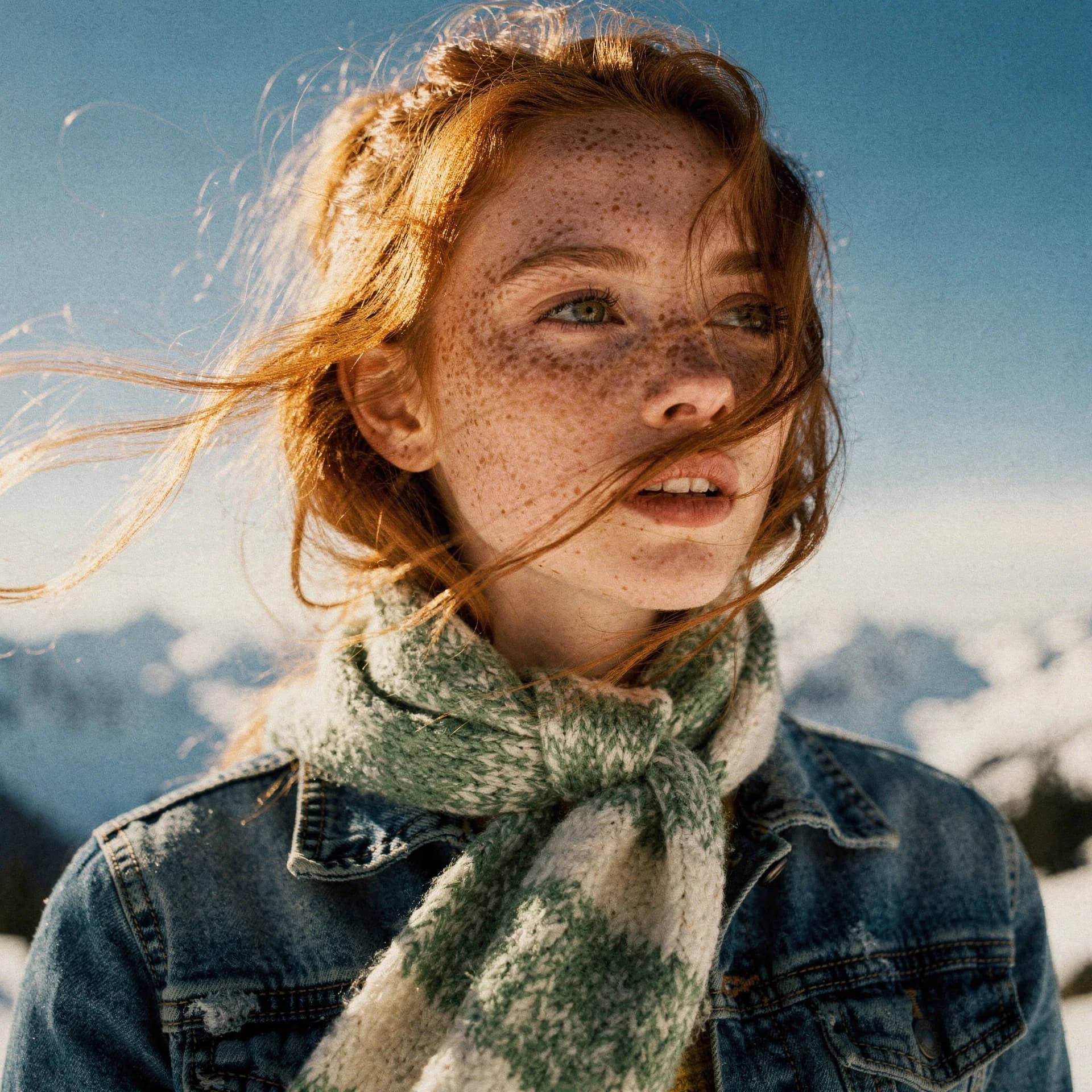
Photorealistic Portrait Photography
Flux 2 Pro excels at generating photorealistic human portraits with accurate facial features, natural skin textures, and professional-grade lighting. Perfect for character design, stock photography, and creative portraiture.
AI Prompt
"Portrait of a woman with flowing red hair, soft natural lighting, photorealistic, shallow depth of field, Canon 5D Mark IV"
Cinematic Landscape & Aerial Photography
From sweeping aerial vistas to atmospheric cityscapes, Flux 2 handles complex environmental scenes with stunning detail. Both Pro and Flex versions produce cinematic compositions ideal for travel, real estate, and editorial use.
AI Prompt
"Aerial view of tropical island with crystal clear turquoise water, luxury overwater bungalows, golden hour lighting, 8K detail"
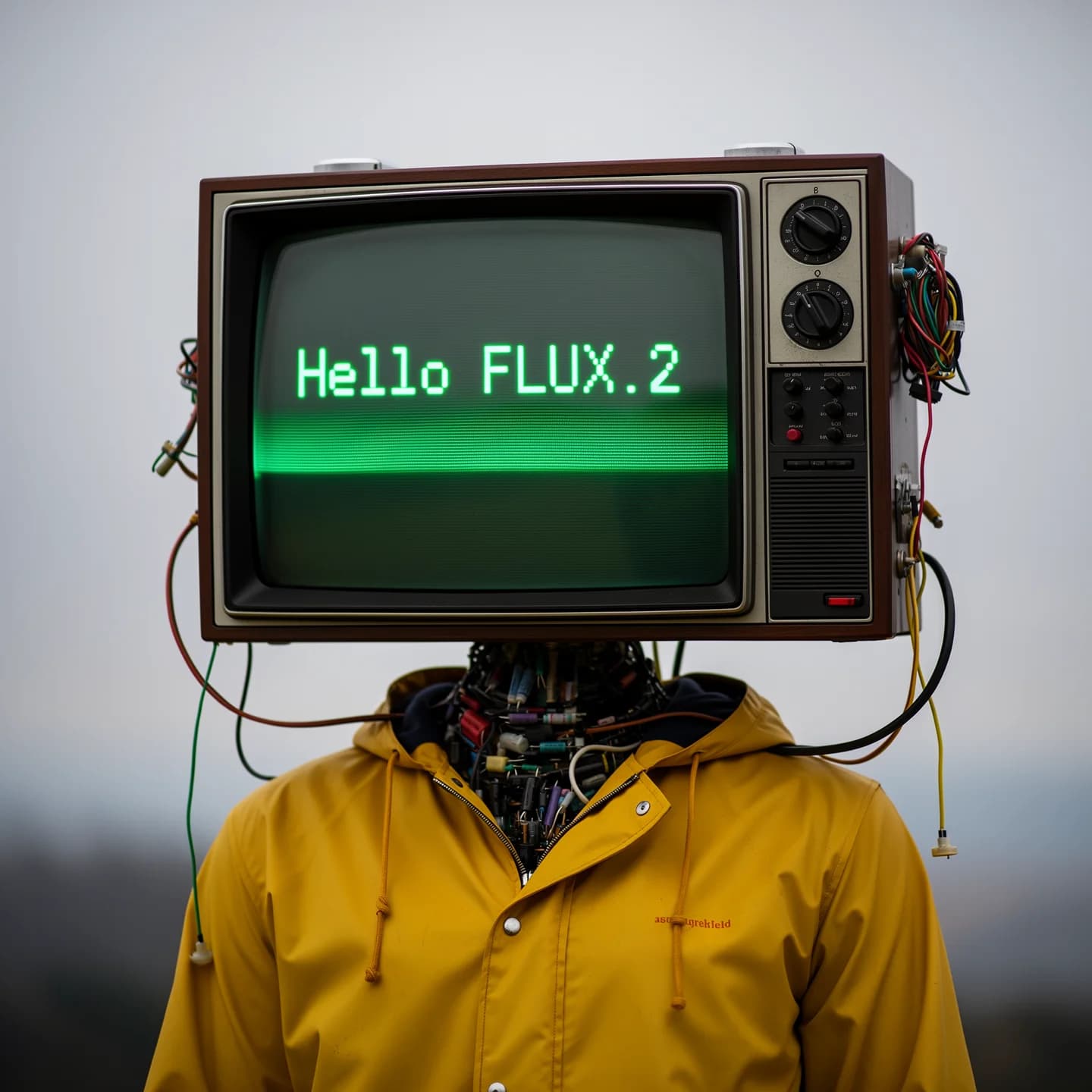
Artistic & Stylized Illustrations
Flux 2 Flex unlocks creative freedom for illustration, concept art, and stylized visuals. Its broader artistic range produces consistent results across anime, oil painting, watercolor, digital art, and fantasy styles.
AI Prompt
"Fantasy forest with glowing mushrooms, ethereal mist, bioluminescent plants, concept art style, highly detailed"
Product & Commercial Imagery
Generate professional product renders and commercial visuals with precise material handling. Flux 2's superior prompt adherence makes it ideal for e-commerce, brand campaigns, and product photography mockups.
AI Prompt
"Luxury perfume bottle on marble surface, studio lighting, minimalist white background, product photography, high resolution"
How to Use Flux 2 AI Generator
Generate stunning AI images in three simple steps — choose your version, write your prompt, download your image.
Choose Your Version
Select Flux 2 Pro for precise, photorealistic results or Flux 2 Flex for creative, stylistically diverse outputs. Both support text-to-image and image-to-image modes.
Write Your Prompt
Describe your image in detail. Flux 2 follows complex prompts accurately — include style, lighting, subject, and composition for best results. Optionally upload reference images for image-to-image generation.
Generate & Download
Select your resolution (1K or 2K), choose an aspect ratio, and click Generate. Receive your high-quality AI image in seconds and download for immediate use.
Frequently Asked Questions About Flux 2 AI
Explore More AI Image Models
Start Creating with Flux 2 AI
Join thousands of creators using Flux 2 Pro and Flex to generate stunning AI images. Free credits to get started — choose your version and generate now.

RIGHTAI